
Views
7508
Replies
0
Status
Closed
Hello all,
What I want to do:
########################
I want to produce color gradients in photoshop, linear as well as circular gradients (http://en.wikipedia.org/wiki/Color_gradient).
I know 3 ways to do that:
Way 1:
Make a new layer and use the "Gradient Tool (G)" from the tool icon bar in a manual fashion
Way 2:
Create a gradient via "Adjustment layer > Gradient"
Way 3:
Create a new white layer, then create a gradient via "Blending Options > Gradient Overlay"
My Problems:
########################
Way 1:
– it is a manual way, but I need a method which allows me to standardize, e.g. by telling someone the angle in degree. I need a method which allows me to make precise descriptions in how to make a gradient, so that i can reproduce 100% identical gradients at any time by any person
– it does not allow the recipient of my files to alter the gradient afterwords
– Big filesize compared to 2&3
Way 2 & 3:
Those methods eliminate the problems of Way 1, but have one major issue: I get color banding problems in my gradients
(http://en.wikipedia.org/wiki/Colour_banding).
I don’t see any way to eliminate the color bandings in way 3. As for way 2 there is the option "Dithering". If I activate this setting, I get rid of color banding in my linear gradients. As for my circular gradients, the problem remains.
Questions:
########################
-How can I get rid of color banding for good, for my linear AND for my circular gradients?
– Why do I have color banding with methods 2 & 3 but not with method 1? – Do I really eliminate color banding by selecting "dithering", or is it only an effect which I see on screen? How about printing my gradients with high-quality offset printing?
– What do I do wrong, how should I do it better?
– Between method 2 and 3 there is a difference in how the layer appears in the "Layers" Menu. Method 2 produces a "Gradient Fill" layer, while method 3 produces an "Fx" Layer with effects. What is the difference for the people that I hand out my files for further processing? – Are there any other ways to make gradients, which might be more "professional" than the way I do them?
Thank you for any piece of information, hint or idea!
Tom
F’up to: alt.graphics.photoshop
What I want to do:
########################
I want to produce color gradients in photoshop, linear as well as circular gradients (http://en.wikipedia.org/wiki/Color_gradient).
I know 3 ways to do that:
Way 1:
Make a new layer and use the "Gradient Tool (G)" from the tool icon bar in a manual fashion
Way 2:
Create a gradient via "Adjustment layer > Gradient"
Way 3:
Create a new white layer, then create a gradient via "Blending Options > Gradient Overlay"
My Problems:
########################
Way 1:
– it is a manual way, but I need a method which allows me to standardize, e.g. by telling someone the angle in degree. I need a method which allows me to make precise descriptions in how to make a gradient, so that i can reproduce 100% identical gradients at any time by any person
– it does not allow the recipient of my files to alter the gradient afterwords
– Big filesize compared to 2&3
Way 2 & 3:
Those methods eliminate the problems of Way 1, but have one major issue: I get color banding problems in my gradients
(http://en.wikipedia.org/wiki/Colour_banding).
I don’t see any way to eliminate the color bandings in way 3. As for way 2 there is the option "Dithering". If I activate this setting, I get rid of color banding in my linear gradients. As for my circular gradients, the problem remains.
Questions:
########################
-How can I get rid of color banding for good, for my linear AND for my circular gradients?
– Why do I have color banding with methods 2 & 3 but not with method 1? – Do I really eliminate color banding by selecting "dithering", or is it only an effect which I see on screen? How about printing my gradients with high-quality offset printing?
– What do I do wrong, how should I do it better?
– Between method 2 and 3 there is a difference in how the layer appears in the "Layers" Menu. Method 2 produces a "Gradient Fill" layer, while method 3 produces an "Fx" Layer with effects. What is the difference for the people that I hand out my files for further processing? – Are there any other ways to make gradients, which might be more "professional" than the way I do them?
Thank you for any piece of information, hint or idea!
Tom
F’up to: alt.graphics.photoshop
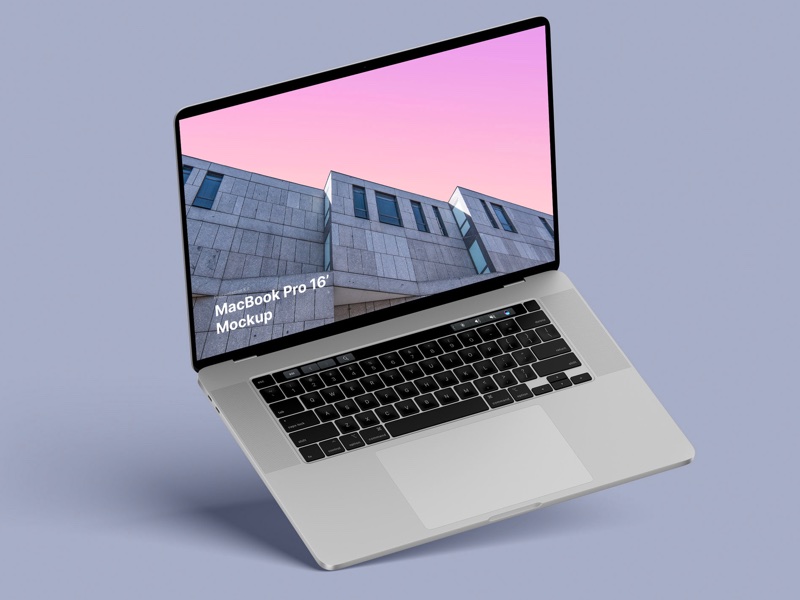
MacBook Pro 16” Mockups 🔥
– in 4 materials (clay versions included)
– 12 scenes
– 48 MacBook Pro 16″ mockups
– 6000 x 4500 px